
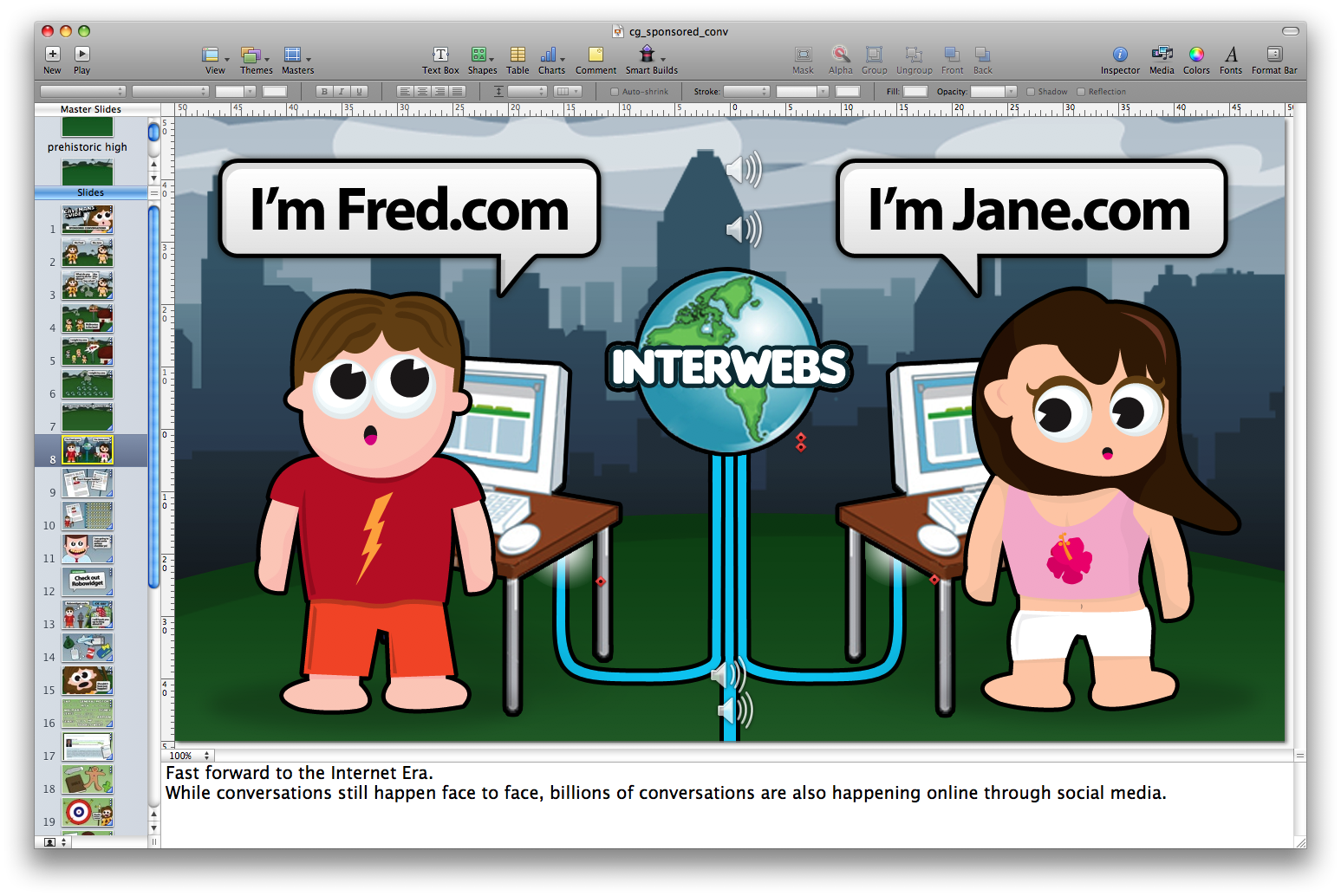
Most people think of Apple’s Keynote as a PowerPoint replacement for making presentations. While it does kick the crap of PowerPoint as presentation software it also doubles as great video creation software. You may remember the sponsored conversation video I posted a few weeks ago. Guess what? The entire thing was put together in Keynote. The assets were created in Photoshop and Illustrator then composed and animated in Keynote (in HD no less).

The built-in text and image transitions in Keynote make it a breeze to put together great looking videos. I hired Chris Davies at ProVoiceUSA.com for $125.00 (a hell of a deal) to do a professional vocieover for the presentation, then exported it as HD video using the share feature. If you need to produce educational videos fast and on the cheap you might want to check out Keynote and give Chris a call.







Woo… that was a rather cheap deal, thanks for the information, may be the next time, if I do any video, I might get him !